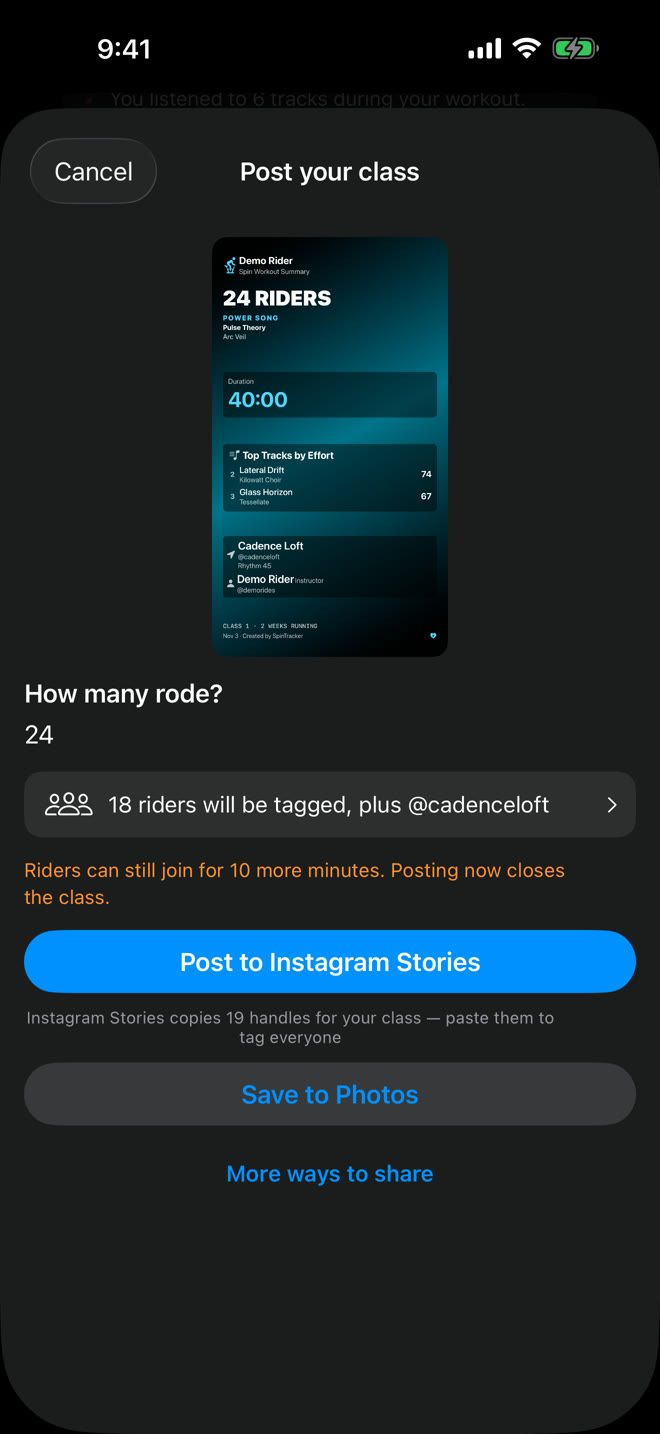
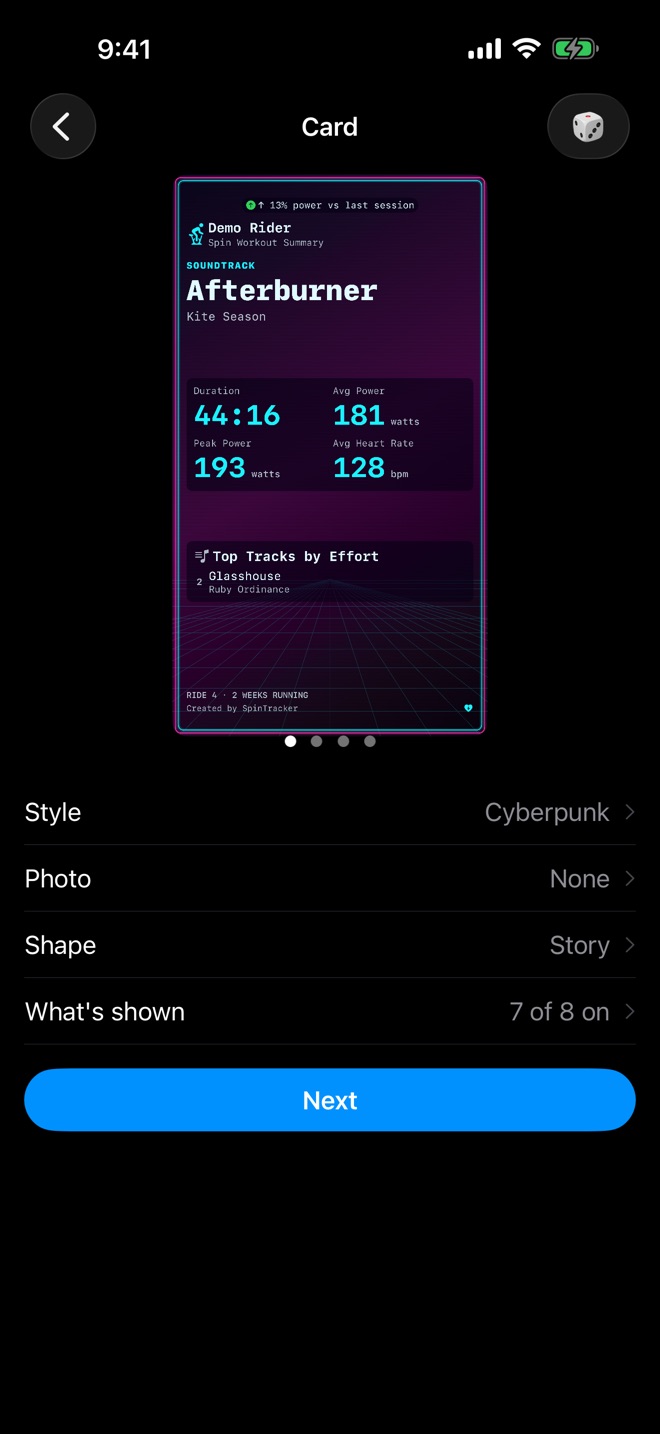
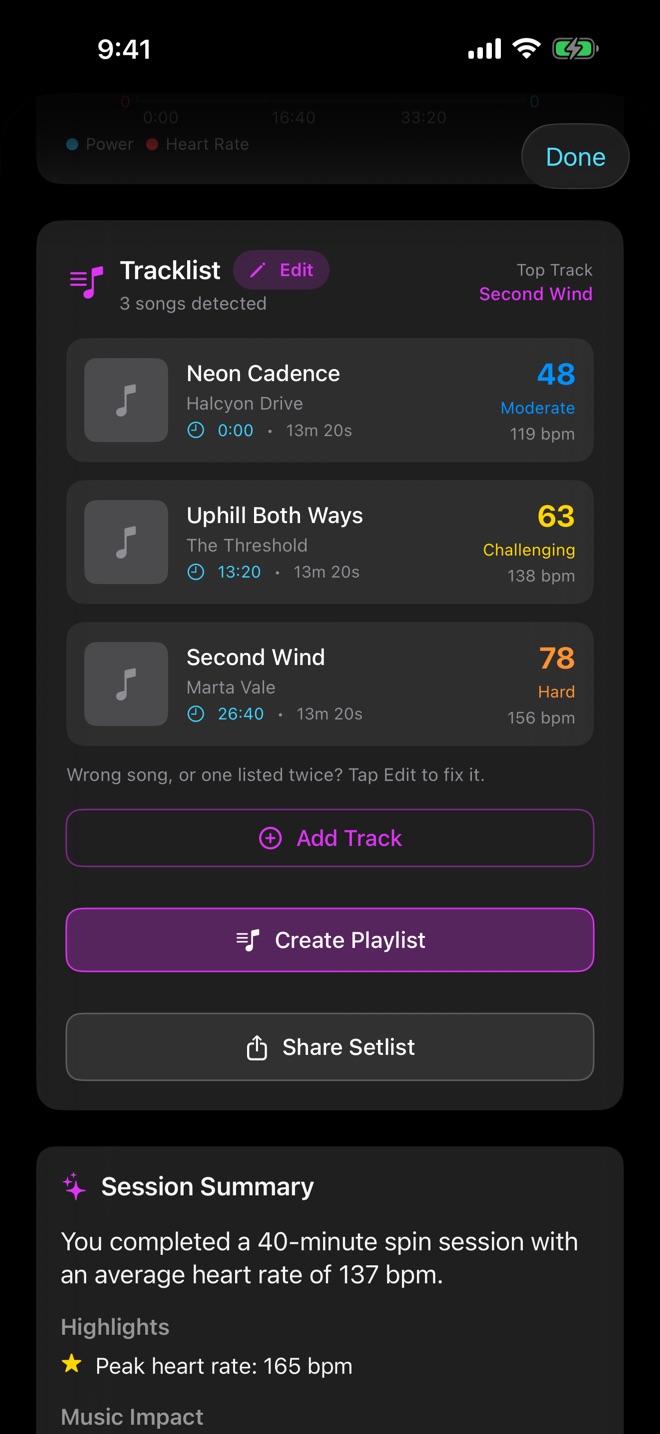
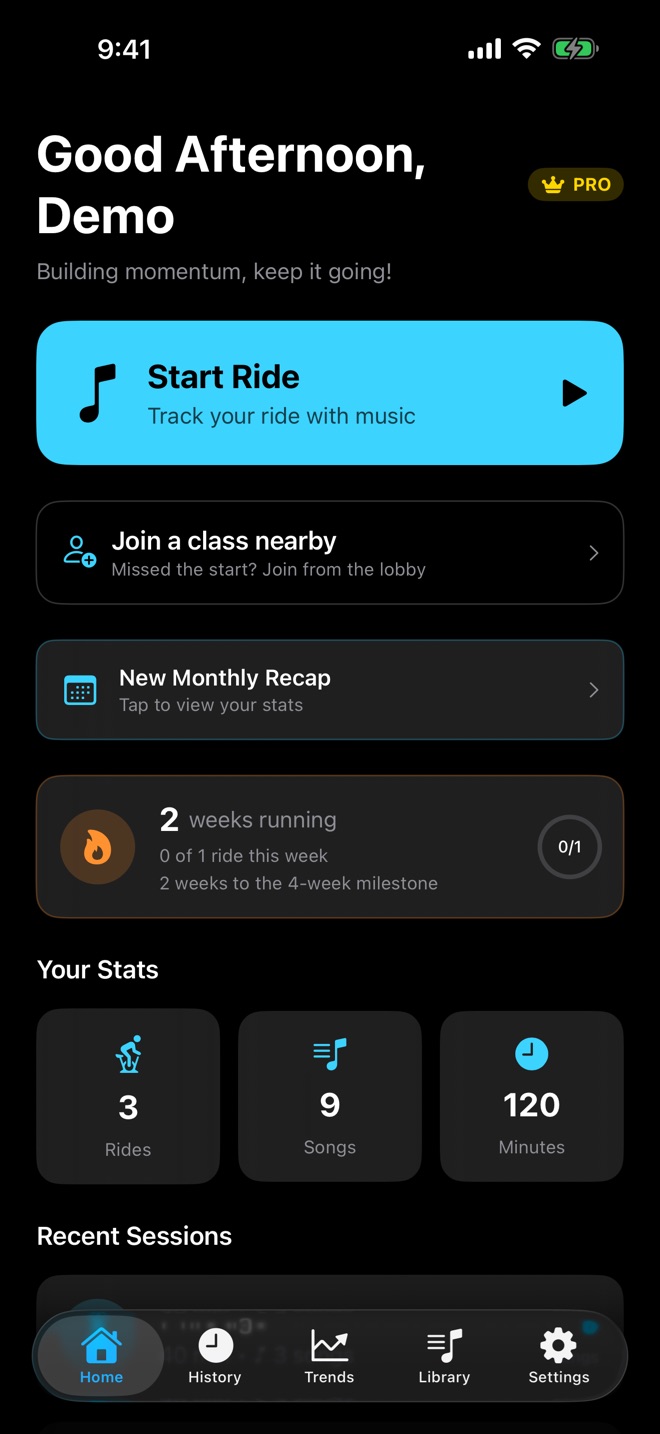
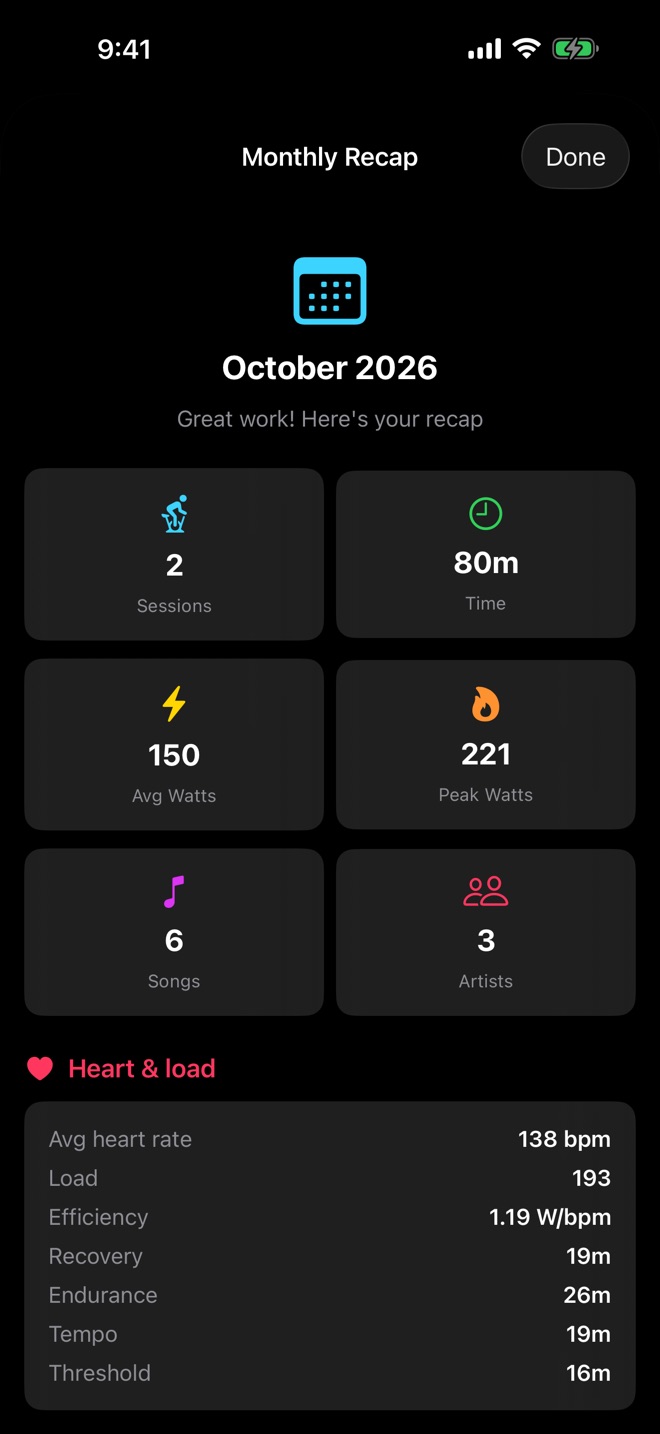
Your ride, replayed in 3D.Live heart rate from your Apple Watch.The waiting room fills as riders join.Riders join from their ride screen.Post the class, and tag who rode.Cards in your style.Every song, with what it cost you.Start a ride in one tap.A recap every week and every month.Choose your world.
A setlist is the half you can see.
This is the other half.
Neon CadenceHalcyon Drive106bpmRecovery
AfterburnerKite Season124bpmEndurance
GlasshouseRuby Ordinance138bpmTempo
Uphill Both WaysThe Threshold151bpmThreshold
Long Way DownPalace Wire164bpmVO2 Max
Second WindMarta Vale112bpmRecovery
The one you worked hardest for gets called out. Ride to it often enough
and it becomes a power song.
Track the ride
Pair any standard Bluetooth heart rate strap, cadence sensor or power
meter, or wear your Apple Watch. Your strap reconnects on its own when
you start a ride, and last time's bike is one tap away. No sensors? The
ride still records its whole music history and duration.
Find your power songs
Every track gets its own effort profile — average and peak heart rate,
cadence, and where it landed in the class. Over enough rides your
library surfaces the songs you consistently ride hardest to.
Keep the music
Turn any ride's tracklist into an Apple Music playlist in one tap. Take
the whole class or just the songs that earned it.
Then ride it again, through a world you choose.
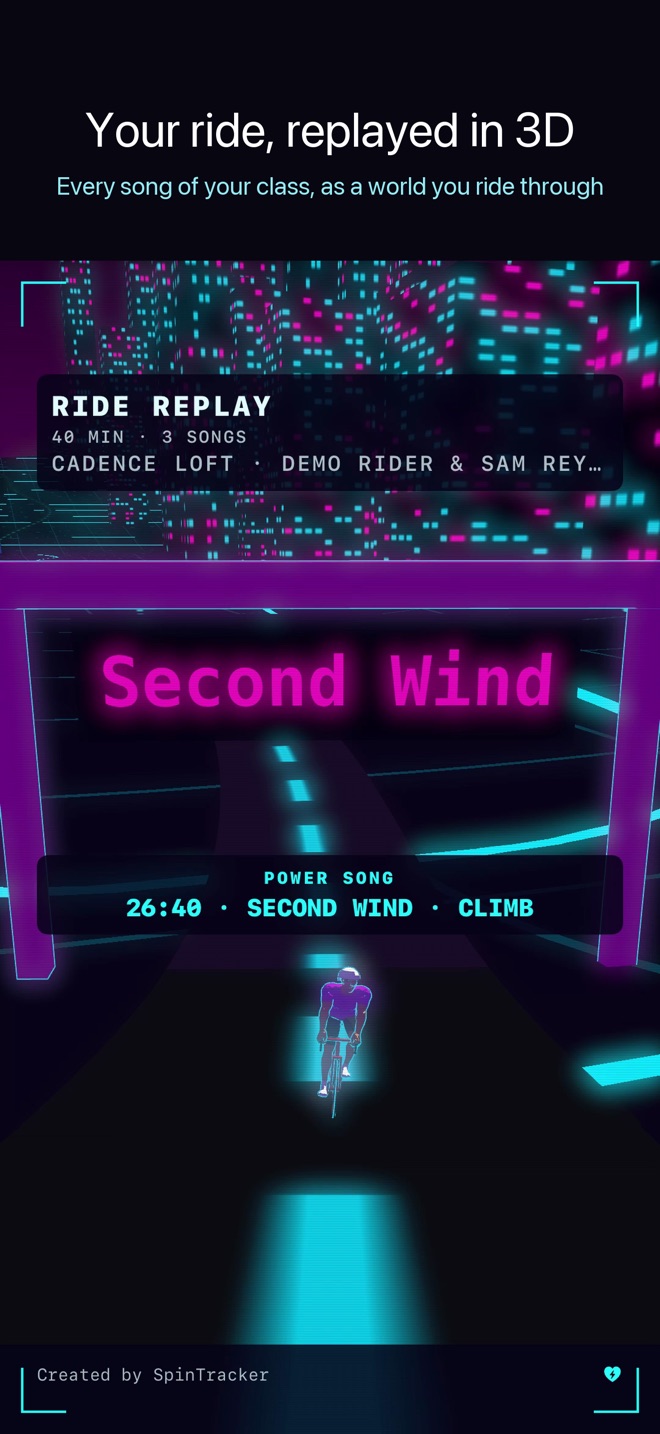
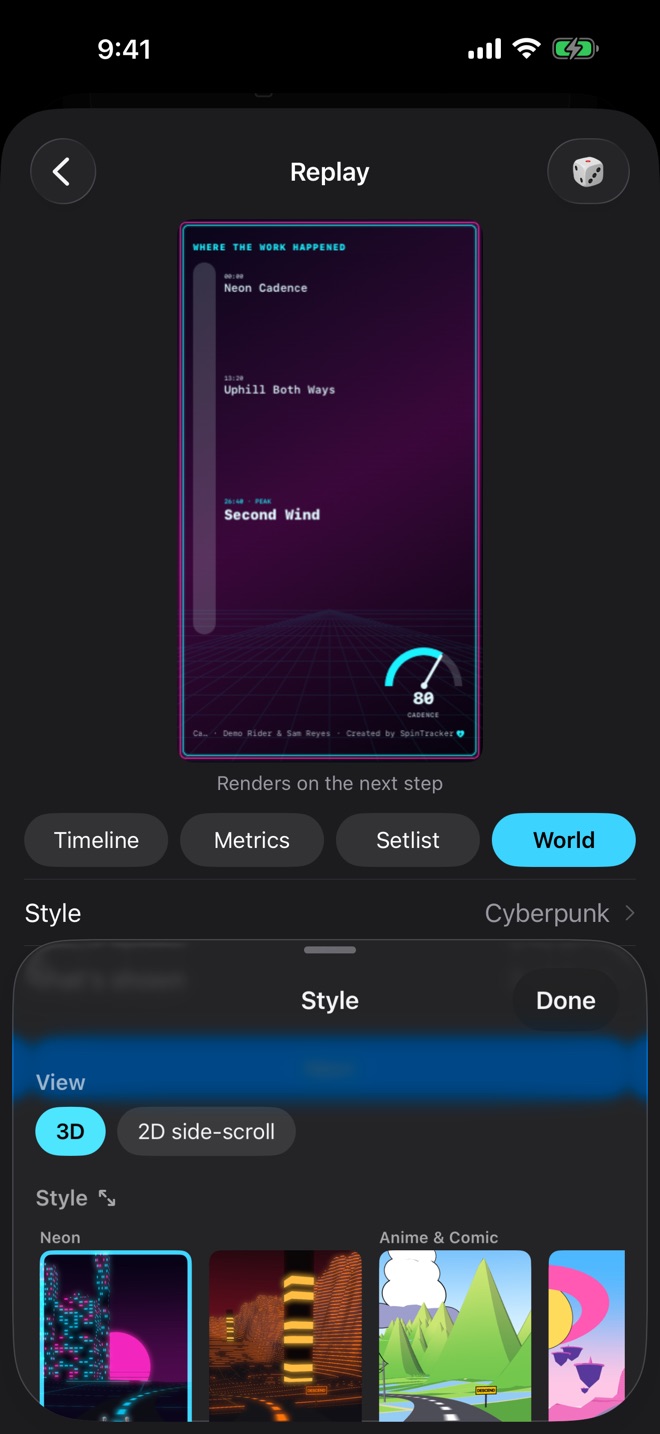
World Replay turns a ride into a short film you can post: a road that
climbs on the songs you worked hardest to, each song named where it
played, and a credits roll of every song at the end. Pick one of ten
worlds in 3D on iOS 26, or ride it as a 2D side-scroll on any iPhone the
app runs on.
Cyberpunk
Neon city nights under a synthwave sun
Shonen
Manga hills, speed lines and halftone
Pastoral
Hedgerow hills in the evening light
EVA
A fortress city glowing at red dusk
Midnight
A coast road past the city lights
Sumi-e
Ink-wash mountains and a red pagoda
Multiverse
Floating islands in loud comic colour
Grand Tour
Alpine switchbacks and race-day banners
Desert
Terracotta canyons in the afternoon heat
Vintage
A 1930s cartoon, in sepia
Or as a 2D side-scroll, on any iPhone the app runs on.
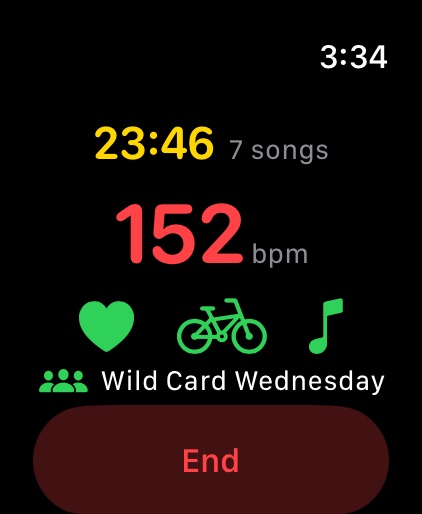
Apple Watch. Your heart rate, on your wrist.
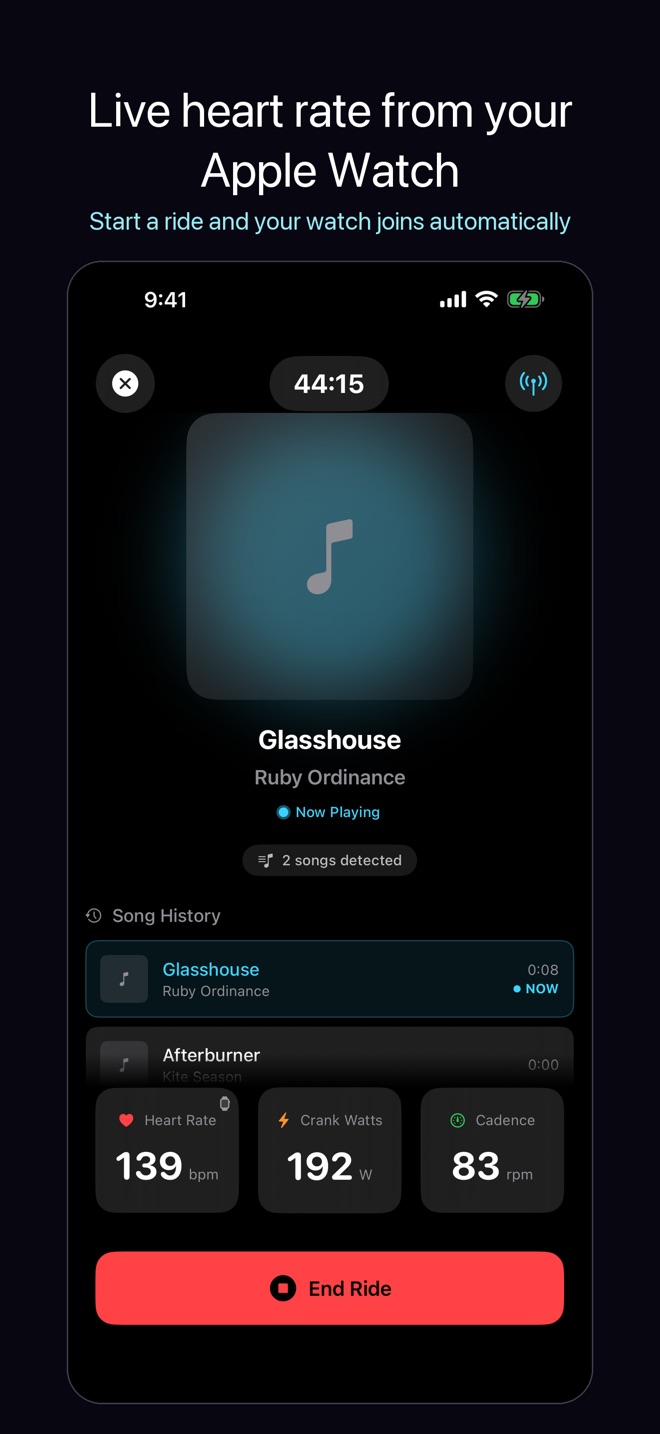
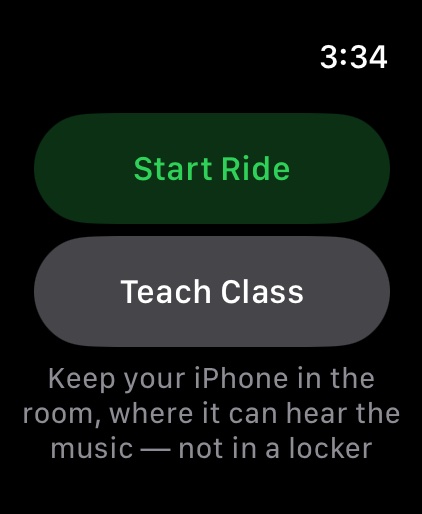
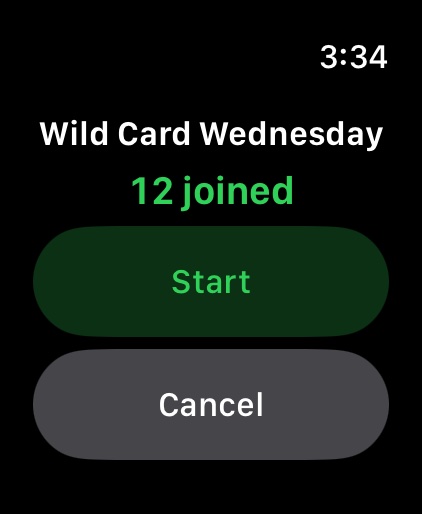
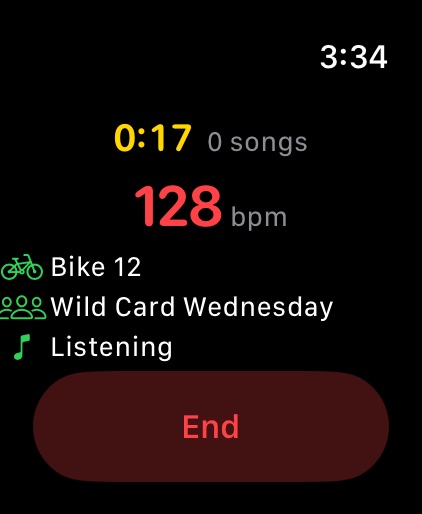
Start a ride on your iPhone and your Apple Watch joins on its own, with
your heart rate, the time and the songs so far. You can start a ride, or
teach a class, from the watch too: then open SpinTracker on your iPhone
once, and keep the iPhone in the room where it can hear the music. iOS
only lets the app start listening after you have opened it.
Riding.Start a ride, or teach a class.See who has joined.Bike, class and music, all connected.
Ride together as a class.
Teaching? SpinTracker for instructors shows
how a class works, what you can post after it, and what it costs you and
your riders.
For the instructor
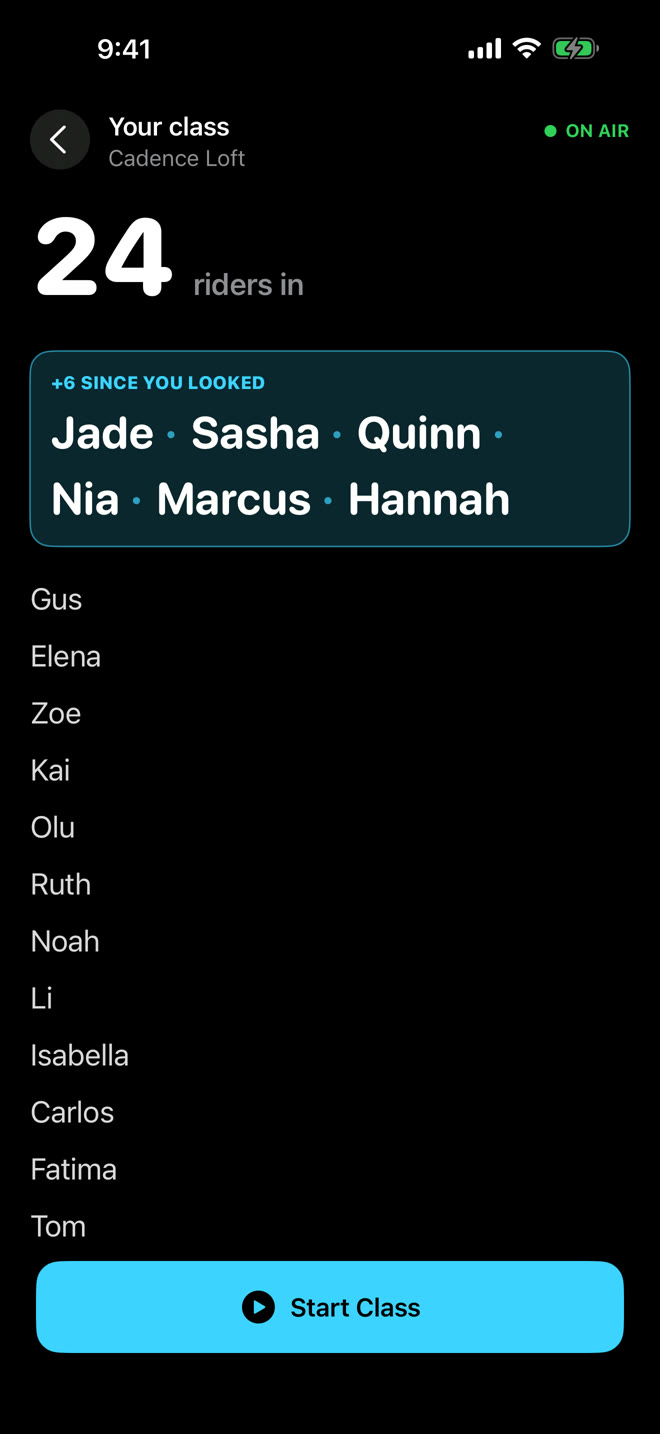
Turn on the Instructor profile and tap Teach Class. A waiting room fills as riders join, and after class you post it to your Instagram Story, with your riders' handles ready to tag. See how a class works →
For the riders
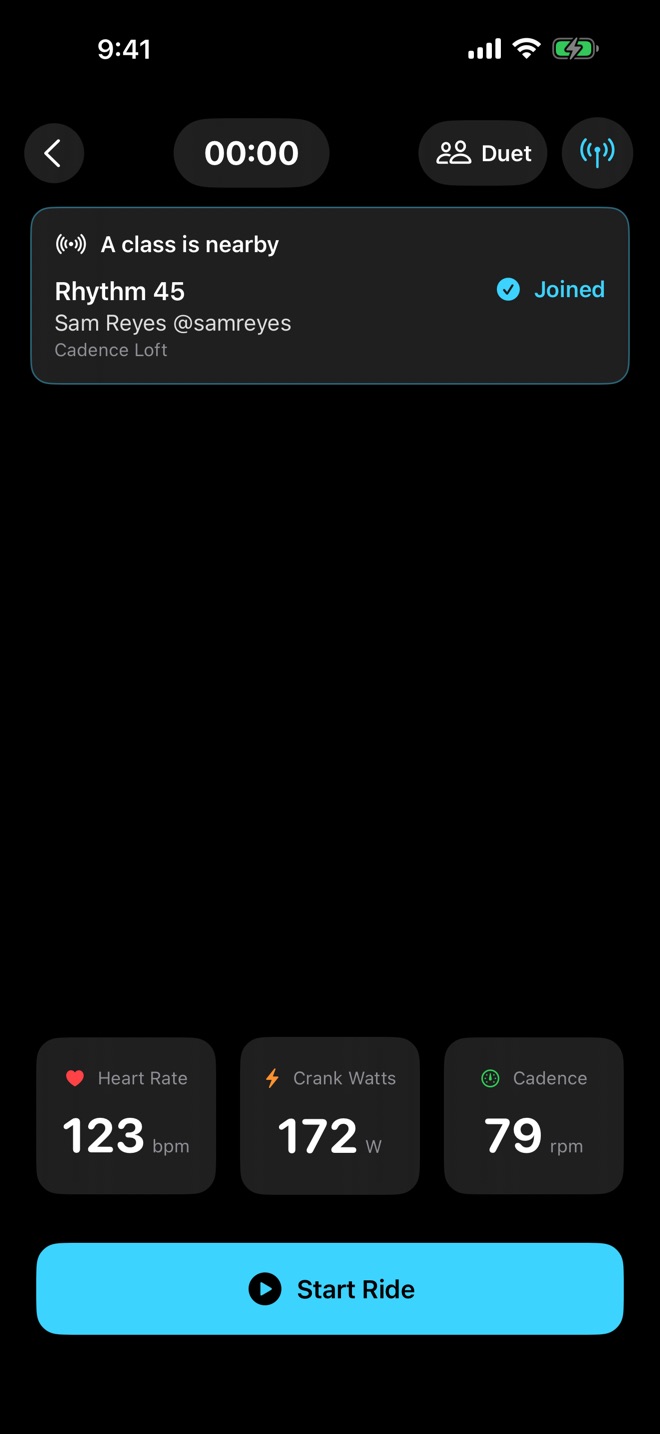
Join from your ride screen, and your ride is filled in with the class, the instructor and the studio, so your own Story can tag your instructor too. Missed the start? Join from Home, during class or up to half an hour after it ends. New to SpinTracker? Join from the very first screen. Joining a class is always free.
Phone to phone
It all travels directly between the phones in the room over Bluetooth, never through us.
Mark the moves your class did.
Tag a ride with the moves you rode, from Super X, Eagle Claw and
Tap-backs to Climb, Sprints or one of your own, each on the song it came
with. Your card shows them as stickers, a badge row or patches, to suit
its style. A class that starts before 6 am gets Crack of Dawn on its own.
Or let the numbers tell it.
Timeline: your effort, with every song where it played.Metrics: the numbers count up beside the curve.Setlist: the songs that cost you most, hardest first.
Five rides free, with everything unlocked.
SpinTracker is a free download. Your first five rides are free with every
feature: no account, no card, no countdown. After that, SpinTracker Pro is
a monthly or annual subscription; the App Store shows the price where you
live. The Classic Story card, without a photo, keeps sharing free on every
ride.
Your rides stay on your iPhone.
The app has no account, no analytics, no tracking, and nothing sold. Your rides, your
music history and your profile stay on your iPhone. A setlist you choose to
share is kept on our server for 30 days so its link can be short, without
your heart rate or other stats. Songs are named by Apple's music recognition
service from a short acoustic signature, never a recording. A class talks
phone to phone over Bluetooth, and a duet ride swaps a sealed summary of
your ride with your partner's phone. This website counts how often each
page is opened and its App Store buttons are tapped, as daily totals,
with no cookies and nothing about who you are. The
privacy policy
says exactly what leaves your phone, and when.
Questions, answered.
What do I need?
An iPhone with iOS 18.0 or later. A Bluetooth heart rate strap, cadence sensor or power meter is optional, and so is an Apple Watch.
Does it work without a heart rate strap?
Yes. An Apple Watch gives SpinTracker your heart rate live. With no sensor at all, a ride still records every song and how long you rode, and if your heart rate reaches Apple Health from something that reads it every minute or few, SpinTracker builds the ride from that and says so.
Does it record audio?
No. While a ride is recording, SpinTracker listens for music and sends a short acoustic signature to Apple's music recognition service to name the song. The audio itself is never saved or sent.
Does it run on iPad?
Yes, as the iPhone app, in an iPhone-sized window. There is no iPad layout of its own.
How does riding together as a class work?
The instructor turns on the Instructor profile and taps Teach Class. Riders in the room join from their ride screen, or from Home up to half an hour after class ends. The phones talk to each other directly over Bluetooth, never through us.
SpinTracker is a free download, and your first five rides are free with everything unlocked. After that, SpinTracker Pro is a monthly or annual subscription; the App Store shows the price where you live. The Classic Story card, without a photo, keeps sharing free on every ride.
See it in use.
A ride, from Start Ride to the share card. Double speed.An instructor starts a class, and riders join.