Your class, posted.
Your riders,
tagging you.
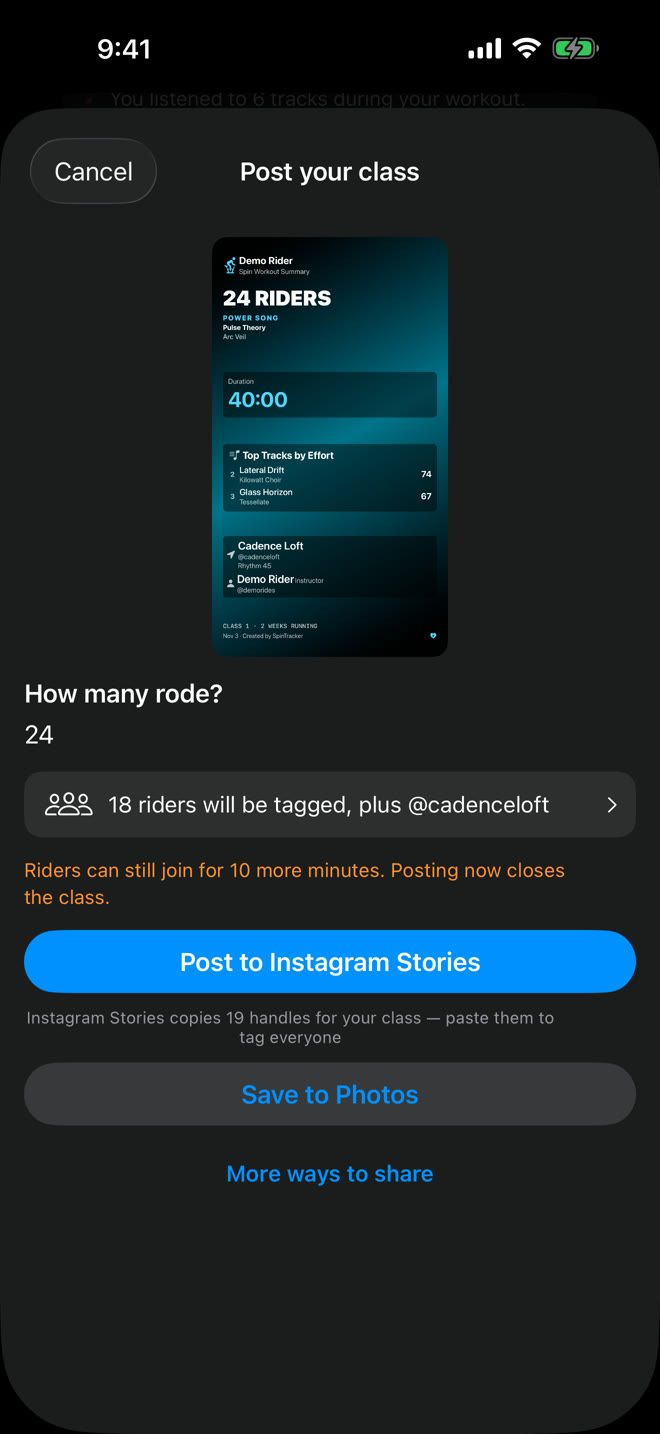
Every class you teach, posted to your Instagram Story in a few taps, and your @handle ready for every rider who shares theirs.

What you post after class.
Or a Carousel for your feed, three slides to swipe.
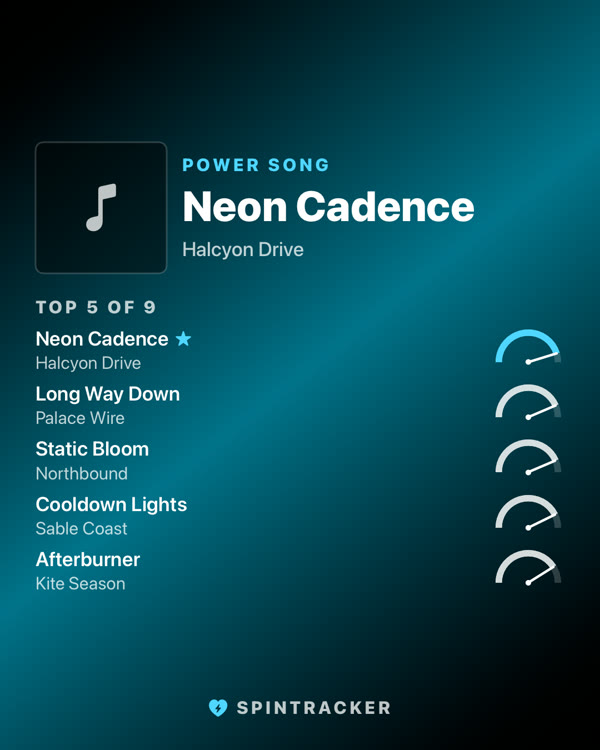
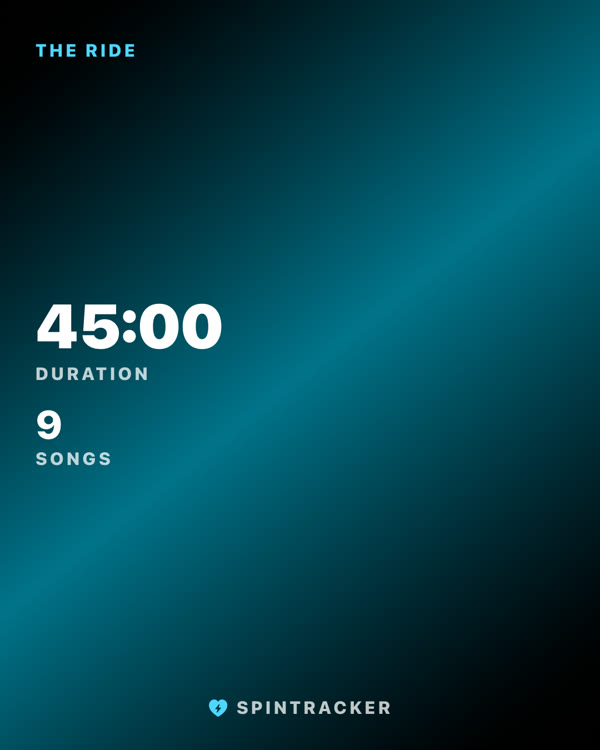
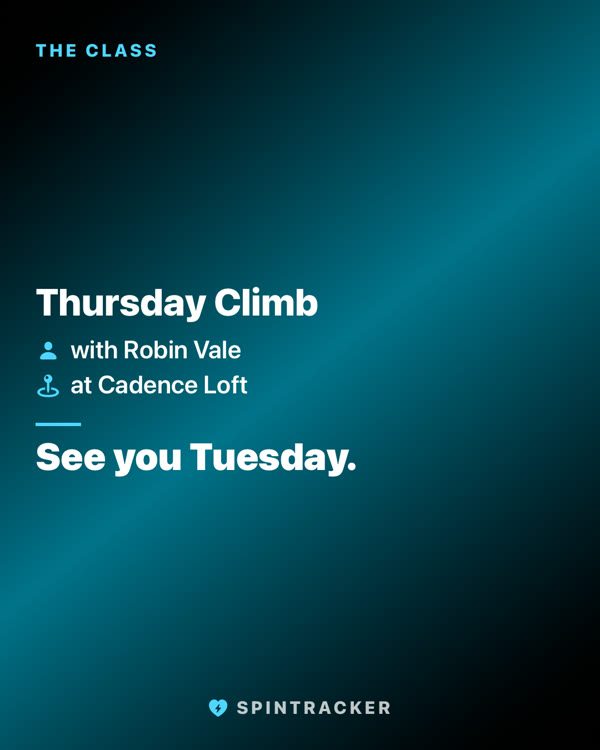
The Classic Story card, without a photo, posts free every class, as the questions below explain. The Setlist film and the Carousel are free on the classes inside your five free rides, then part of SpinTracker Pro.
What you get when you teach with it.
-
Post the class in a few taps
After class, post it to your Instagram Story: the headcount and the handles of your studio, co-instructors and riders, ready to paste and tag.
-
Get tagged by your riders
When a rider's card shows you and they share it to an Instagram Story, your @handle is copied for them, ready to paste and tag you. Your booking link shows as a Book button on every class you share.
-
Check the set you taught
Attach the Apple Music playlist you taught to, then check what actually played against it and fix the tracklist.
-
Your teaching stays separate
The classes you teach are kept apart from the rides you take, in History, your song library and your recaps. Name a class once and SpinTracker remembers it for that studio.
How a class works, in three steps.
-
Turn on the Instructor profile
In Settings, once. Add your name and Instagram handle, and your booking link if you have one.
-
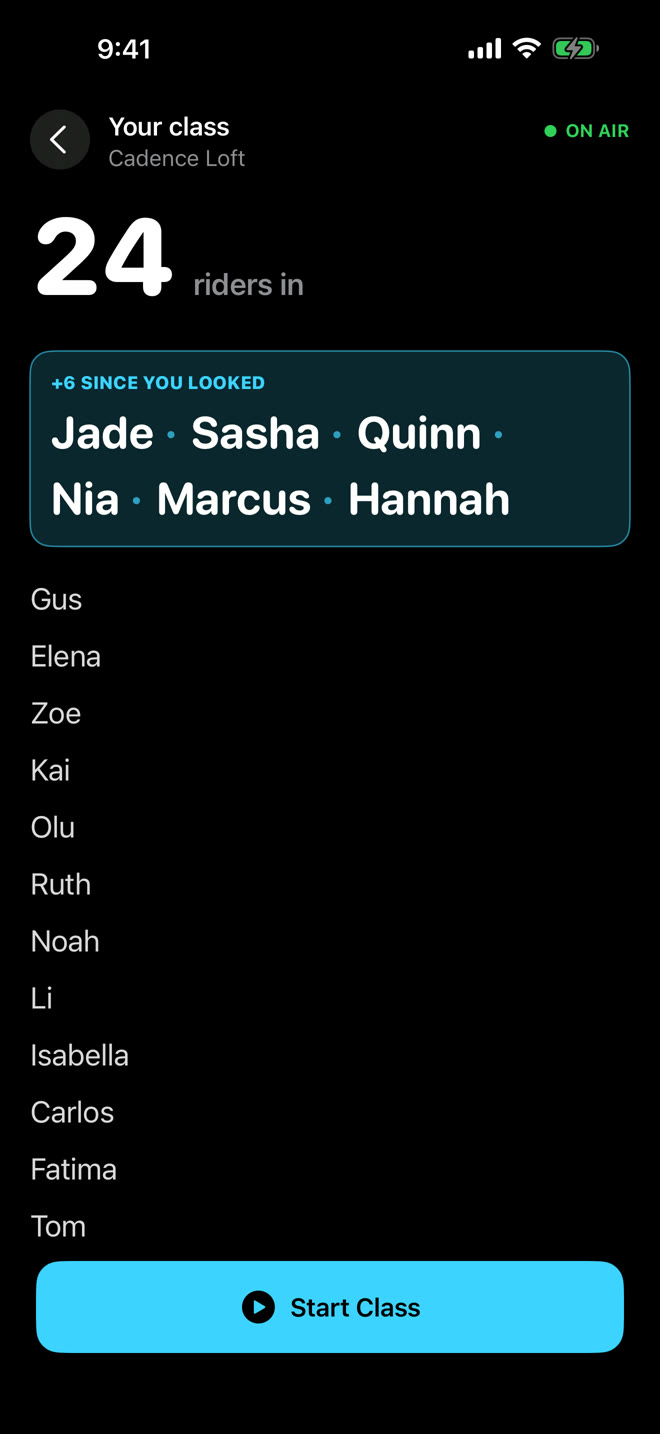
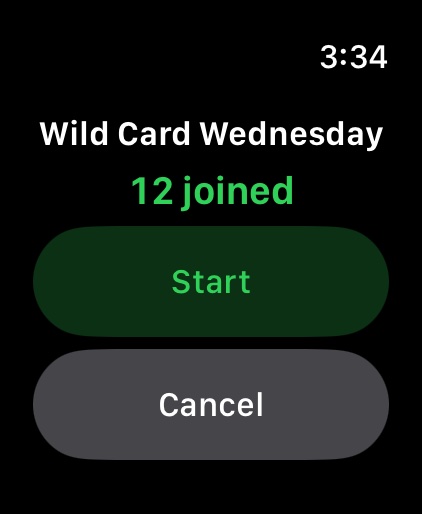
Tap Teach Class
On Home, or on your Apple Watch. A waiting room shows how many riders are in and who is new since you last looked.
-
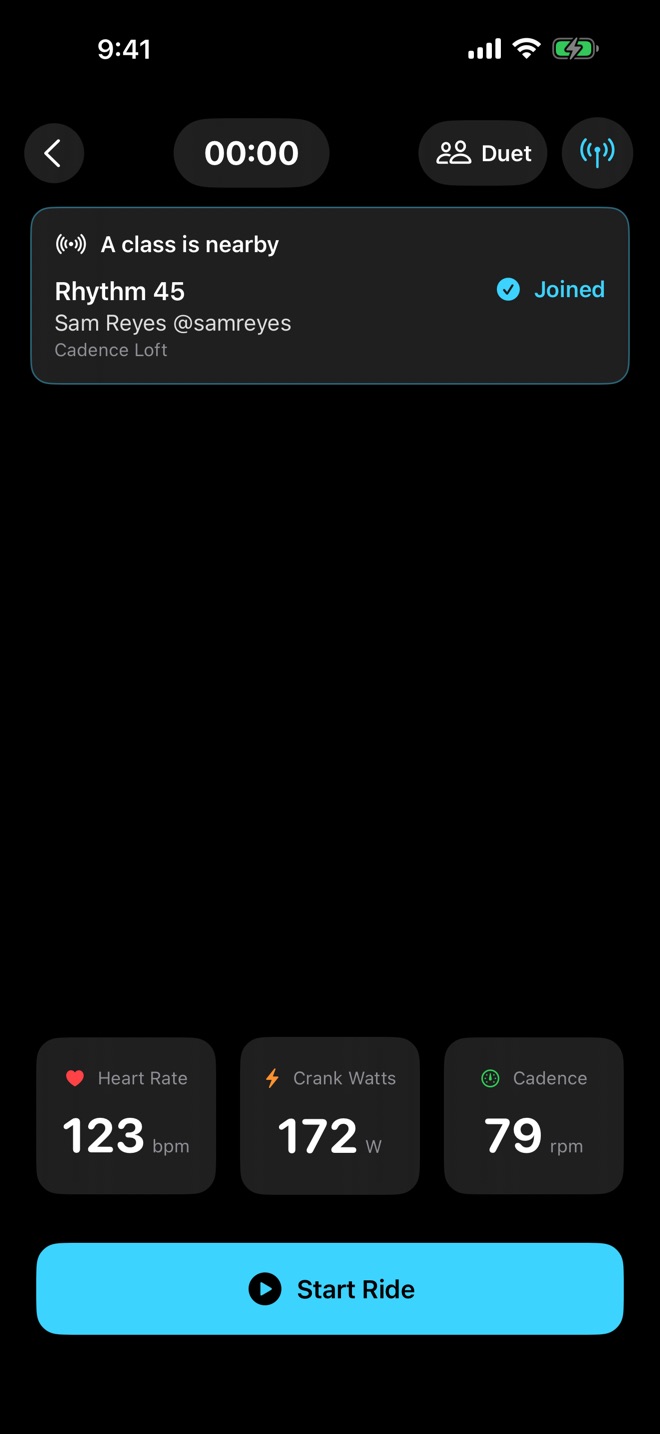
Riders join from their ride screen
Their ride is filled in with the class, your name and your studio. Missed the start? They can join from Home during class or up to half an hour after it ends, and someone new to SpinTracker can join from the app's very first screen.
Questions instructors ask.
Do my riders have to pay?
No. Joining your class is always free. Every rider gets five free rides with everything unlocked. After that they can keep joining your classes and recording their rides, and the Classic Story card, without a photo, keeps sharing free. SpinTracker Pro unlocks everything else, from every card style to Ride Replay.
Do the classes I teach cost anything?
Teaching is always free: Teach Class, the waiting room and your riders joining never need Pro. The classes you teach share your five free rides with everything unlocked. After those, your next six classes still post to your Instagram Story in any style, and the Classic Story card, without a photo, posts every class free from then on.
Do riders need heart rate straps or sensors?
No. SpinTracker names the songs and records the ride without any sensor. A heart rate strap, cadence sensor, power meter or Apple Watch adds the numbers for riders who have one.
Does the studio need to set anything up?
No. There is nothing to install at the studio, and SpinTracker does not connect to its booking system. The phones in the room talk to each other directly over Bluetooth, never through us.
What do riders need?
An iPhone with iOS 18.0 or later, and SpinTracker, which is a free download. Someone new to SpinTracker can join your class from the app's very first screen.
Can I co-teach a class?
Yes. A class can credit up to four instructors.
Where does the data go?
Every ride and profile stays on the iPhone it was made on. The app has no account and no analytics. A class travels between the phones in the room over Bluetooth, never through us. Songs are named by Apple's music recognition service from a short acoustic signature, and the audio itself is never saved or sent. A setlist someone chooses to share is kept on our server for 30 days so its link can be short, without heart rate or other stats. This website only counts how often each page is opened and its App Store buttons are tapped, as daily totals, with no cookies and nothing about who visited.